Does Your Kid Have a YouTube Account? Should That Worry You?
2/14/2025
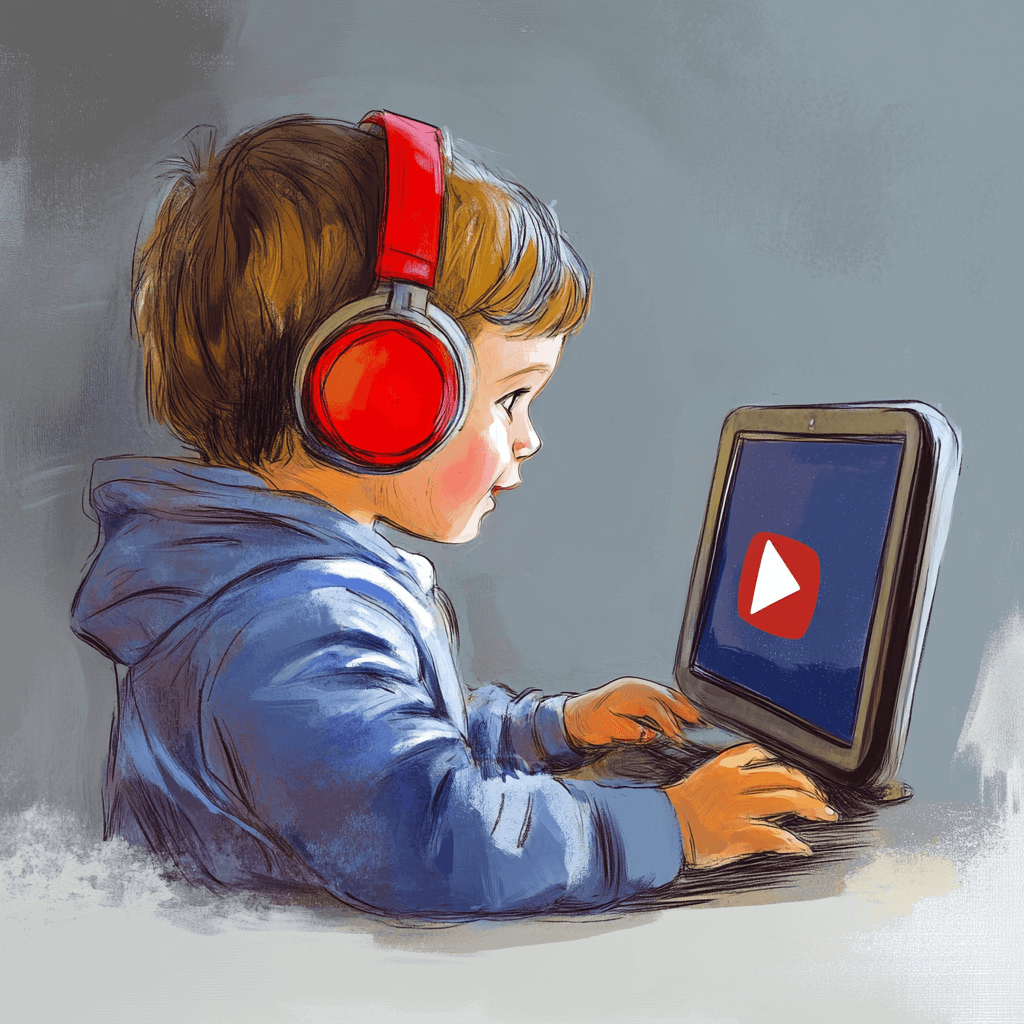
Parents and families face many challenges these days, not the least of which is helping their kids stay safe online. Many children use computers, smartphones, and tablets for homework and—of course—entertainment. With the ease of access and vast range of online content today’s kids have, many parents wonder if they’re keeping their children safe. What parent can possibly keep up with all the apps and sites a child may visit? In this article, we'll explore YouTube, one of the most popular social media sites kids are using, why it’s become so popular with kids, whether parents should be worried, and how to mitigate potential concerns.
What is YouTube?
YouTube is an immensely popular video-sharing platform. Users can upload, view, and share videos across a wide array of categories, including entertainment, education, tutorials, vlogs, music, and more. It’s accessible on nearly every internet-connected device, from smartphones and tablets to laptops and smart TVs. Users can create their own channels, subscribe to content creators they like, and interact with videos through likes, comments, and shares. Channels can even be monetized, creating income for the creator. With over 2 billion logged-in monthly users, YouTube has become an essential part of online culture, offering something for almost everyone, including kids.
Why is YouTube So Popular with Kids?
YouTube's popularity with kids can be attributed to several key factors:
Entertainment value
YouTube offers an almost infinite—and constantly growing— amount of content that appeals to children, from cartoon episodes to toy reviews, video games, and educational videos. The platform allows kids to explore their interests and be entertained at their own pace.
Interactive Features
YouTube is more than a passive viewing experience. Kids can comment on videos, share their favorite clips, and even create their own content. This sense of participation makes the platform feel more engaging and interactive.
Influencers and Trends
YouTube helps kids find and follow YouTube influencers—young personalities who produce content like challenges, toy unboxings, or even gaming videos. These influencers often have massive followings and can set trends that kids want to be a part of.
Instructional Content
With countless channels offering educational videos, kids can learn about science, math, art, history, and more, often in fun and creative ways. Kids can learn to code or play a musical instrument. They can get foreign language help or learn, step-by-step, how to make a lamp that looks like a book.
Should Parents Be Concerned About Kids Using YouTube?
While YouTube can be a valuable tool for both entertainment and learning, the platform does have a downside. Even a dark side.
Inappropriate Content
YouTube is filled with content that is not appropriate for children. YouTube has policies against harmful content, but the sheer volume of videos uploaded daily means that some inappropriate or disturbing material will slip through the cracks, especially in the comments or in the "suggested videos" sidebar. For example, one influencer who has 10,000-plus subscribers, asked girls (no age-verification was necessary) to send photos of themselves to him, so he could tell them whether they needed to lose weight. Another very popular channel (with 23 million subscribers) features the host smashing things, insulting his brother, and zapping dead rats with a taser.
Addictive Nature
YouTube’s autoplay feature and personalized recommendations make it easy for kids to spend hours watching one video after another.
Privacy Risks
Like many social media platforms, YouTube collects data on its users. For kids, this could raise concerns about online privacy and safety. Personal information may be inadvertently shared, or kids might engage in unsafe behaviors like chatting with strangers or sharing sensitive data.
Commercialization
Many YouTube videos, even those targeted at children, feature YouTube ads. Without proper safeguards, these ads can be misleading or push products that aren’t age appropriate.
Cyberbullying
Again, like other social media platforms, YouTube has its fair share of negative interactions. Kids may encounter bullying in the comment sections or receive hurtful comments on videos they post.
How Can Parents Mitigate Concerns About YouTube?
Concerned parents can, of course, prohibit their kids from using YouTube (though, of course, tech-savvy kids—even the youngest—often have no trouble finding work-arounds). There are other steps parents can take to make YouTube safer for their children. Here are some practical strategies:
Use YouTube Kids
YouTube offers a child-friendly version of its platform called YouTube Kids. It’s designed to contain age-appropriate content, parental controls, and filtering features. Parents can select the content their child can watch, block specific videos, and set viewing time limits.
Create a Family Account
If your child uses the regular YouTube platform, create a family account with parental controls. With YouTube’s Restricted Mode, you can filter out potentially inappropriate content. Additionally, you can monitor what your child is watching and track their search history.
Set Limits
Setting screen time limits is crucial for kids today. You can use tools like Google’s Family Link or Apple’s Screen Time to monitor and restrict your child’s online usage. Encourage your child to take breaks and balance screen time with other activities.
Educate Your Child About Online Safety
Talk openly with your child about your concerns. Educate him or her about the importance of privacy and the dangers of sharing personal information online. Explain the risks of interacting with strangers and the importance of reporting any inappropriate content or behavior.
Watch Together
If your child is old enough, consider watching YouTube videos together. This not only gives you the opportunity to vet the content but also creates a bonding experience. You can use this time to discuss the video’s themes, ads, and messages.
Disable Comments and Interactions
If your child is uploading his or her own videos or engaging with content creators, disable comments or restrict their ability to comment. This reduces the risk of cyberbullying and negative interactions.
Be Aware of Influencer Marketing
Teach your child to be critical of sponsored content and influencer-driven ads. Many YouTubers promote products that may not be suitable for kids, and children might not always recognize when something is an advertisement.
Stay Involved
YouTube comes with its fair share of risks, but it is also a powerful tool for entertainment and education. While parents should be aware of the drawbacks and dangers, and with the right monitoring and controls, YouTube can be a fun and educational resource for your kids without putting their safety or well-being at risk.
Discover a Safer Video Experience
Whatever decision you make for your kids concerning YouTube (and other video sharing apps), a safe alternative for children is available, thanks to the simplicity and safety of the TruPlay mobile app—a platform of multiple games that honor and promote Christian values.
The TruPlay app offers countless hours of games, comics, and animated videos that feature high quality art, action-packed games, and thoughtful storytelling. And it's intentionally structured to avoid the dangers of other platforms. TruPlay employs a subscription-based model, which allows children and adults to play, read, and have fun in an environment with no in-app purchases, no ads, and no in-app texting or chats. This means, of course, that kids can't spend money, buy "loot," click to go to outside and unknown sites, and "chat" with possible predators.
And TruPlay offers even more than safety; its ever-expanding selection of games includes Bible stories, Christian themes and values, and countless hours of engaging fun for children, youth, and adults.
TruPlay's website (TruPlayGames.com) clearly details the app's offerings, and free downloads and trials are available in both the Apple App Store and GooglePlay. Explore the following links to unlock a safer gaming experience for your kids:
● https://www.truplaygames.com/games-more
● https://www.truplaygames.com/user-registration