Complete Parents' Guide to Minecraft
2/13/2025
Is Minecraft Safe for Kids? What Every Parent Should Know Before Letting Them Play!
Parents, if your kids are playing video games, you must be aware of Minecraft—or should be. The game is a global entertainment and cultural phenomenon, with more than 160 million active monthly users (and growing) in 20 available languages. While more than 40% of Minecraft users are 15-21 years old, millions of younger users—many of them much younger—are playing too. The game is so popular, it attracts billions of views every month on YouTube and TikTok and has spawned the star-studded A Minecraft Movie, scheduled to be released in April 2025. With such widespread popularity, especially in the United States, it’s important for parents to know something about the game, so this short parents’ guide will address safety concerns and offer helpful tips for ensuring a safe gaming experience in your family.
What is Minecraft?
Minecraft is a 3D “sandbox” game, so called because it allows players to create, build, explore, and interact with others in an environment with few—or no—constraints, other than those the player sets. It’s an easy game to learn and can be as simple or complex as the payer wants it to be. Minecraft can be engrossing to all ages (believe it or not, the “average player” is twenty-four years old!), and for many, it fosters creativity and problem-solving skills.
How Do You Play Minecraft?
Part of Minecraft’s global popularity is its availability to players on various platforms and devices, from game consoles (such as PlayStation) to mobile devices (phones and tablets) and desktop or laptop computers. In Minecraft, players can create their own worlds, build structures, gather resources, craft tools, and endlessly add to the environments they’ve created. Players have the choice of playing in creative mode or survival mode (see below for more information on modes) and can play the game alone or team up with others in multiplayer modes.
What Are Minecraft’s Different Modes?
The game primarily consists of two main activities: creative and survival modes. In creative mode, players have unlimited resources and can construct elaborate structures without threats. In survival mode, players must manage health and hunger while collecting materials and defending against hostile creatures and destructive forces.
Additional modes—adventure, hardcore, spectator—deliver a different game experience with their own features and limitations. These modes have to be turned on within the game, and require different skill levels than creative and survival modes.
Is Minecraft Safe? Addressing Online Interactions and Content
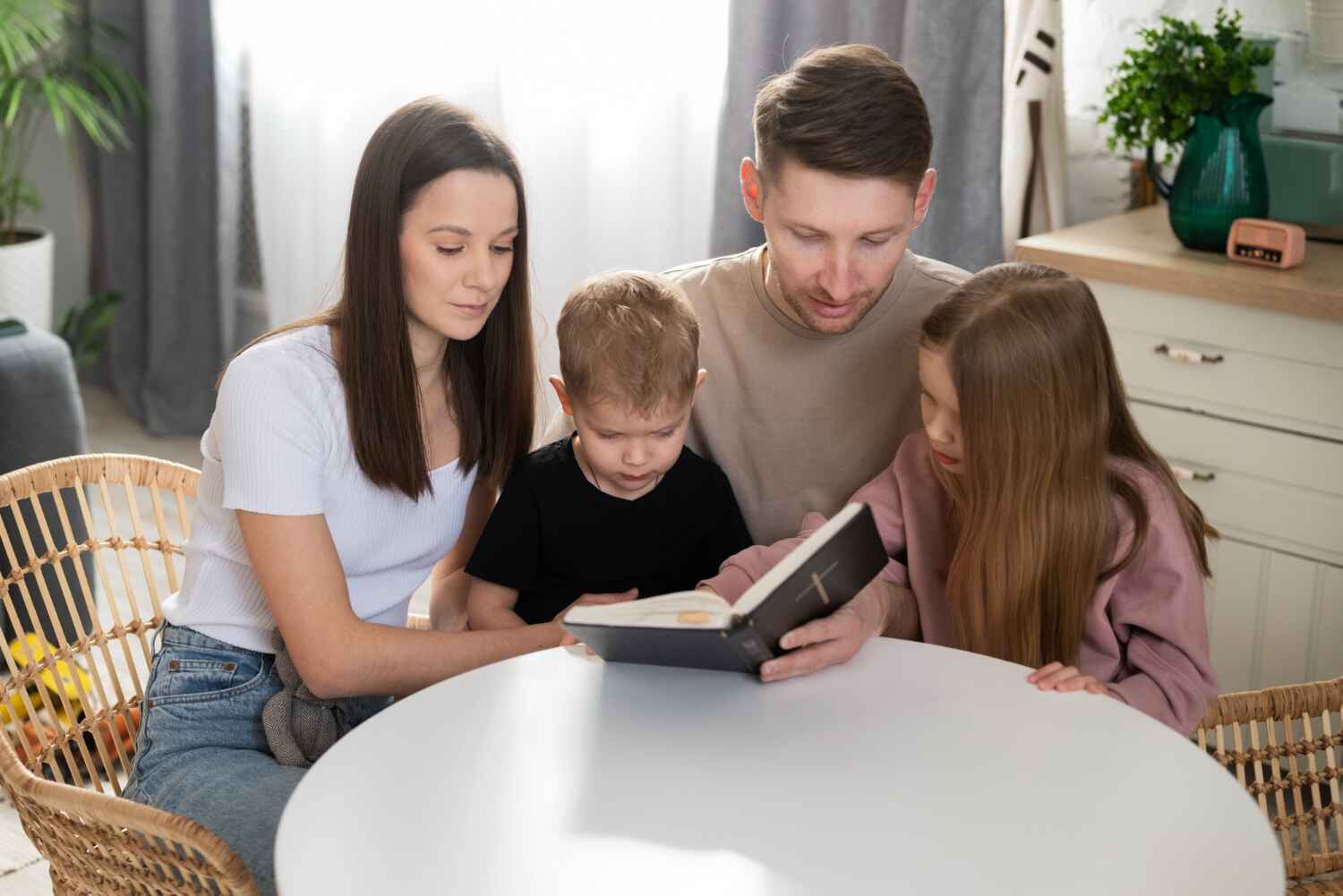
When played as a single-player game, Minecraft is among the safest options for kids. However, because it includes online multiplayer features that can expose players to interactions with strangers—and the accompanying dangers of such interactions—the game provides parental controls to restrict chat functions and online play. Players can also join private servers, limiting exposure to potentially inappropriate content (see here for instructions on the Minecraft site). Parental controls should, of course, be activated and adjusted according to your child’s age and your family’s values; the Minecraft site (here) offers instruction for doing this, specific to your child’s device. As always, however, parents should monitor their child’s online interactions and educate them about online safety. Many parents play Minecraft with their children, which can lend a high level of confidence and comfort to both parent and child.
What Age is Appropriate for Minecraft?
Minecraft is rated E10+ by the ESRB (Entertainment Software Rating Board), suggesting that it is suitable for players aged 10 and older (the PEGI rating used in thirty-eight European countries rates it as suitable for 7 years and up). However, even younger children are playing the game, many of them without parental guidance (though eleven percent (11%) of parents do play Minecraft with their kids, which is among the best forms of “parental control”).
Understanding Minecraft Mods and Servers
Among Minecraft’s distinctives are the availability of mods and servers. Mods are custom modifications created by players or developers to enhance the player’s experience. There are reportedly more than 100,000 mods available for purchase and download, ranging from simple texture packs that change how blocks look to complex systems that introduce new mechanics, items, mobs, and even entire gameplay frameworks. With mods, players can tailor Minecraft to their liking, though there are risks. Mods that are downloaded from unknown sources may expose the player’s device to viruses or malware. Some mods are incompatible with certain devices or Minecraft versions, which can cause crashes, corruption of game files, or other problems. It’s important for parents to help a child choose only reputable sources for mods.
Minecraft servers allow players to connect with others and play the game together online. Each server has unique rules, game modes, and community. Players can join public servers, which are open to anyone, or private servers, which require an invitation or specific access. Sound confusing? It is, but it’s important to choose safe servers, which amplifies the necessity of parental involvement. Using public or poorly moderated servers can expose a player to harassment, scams, or inappropriate content.
Minecraft and Violence: What Parents Need to Know
The Minecraft website explains the use of violence in the game:
There’s an aspect of combat in Minecraft’s gameplay. Because combat is part of the game, there are some elements of mild violence. Players can hit and defeat (essentially, kill) both passive and hostile creatures (also known as ‘mobs’), as well as other players (if playing in multiplayer mode). There's also some use of weapons, such as swords, axes, bows, and TNT.
However, the visual representation of the violence is limited by Minecraft’s simple and cartoony style. There’s no blood in any part of the game, neither coming from creatures nor the environment. Players can’t die permanently and will respawn if their health reaches zero (unless they’re playing on Hardcore mode, a sub-genre of Survival mode).
Educational Benefits of Minecraft
Minecraft does offer some educational benefits. It can tap into and enhance a child’s creativity. It can also teach problem-solving skills and, in multiplayer mode, model teamwork. The game can also encourage critical thinking and collaboration.
There is even a Minecraft: Education Edition that is available for use in classrooms to teach subjects such as math, history, chemistry, and computer science.
Christian Parents' Concerns: Is Minecraft Aligned with Your Family's Values?
Wise Christian parents will of course consider whether any game's themes and content align with their family's values. The positive aspects of the Minecraft game—creativity, cooperation, and enjoyment—should be weighed against the game’s vulnerabilities, use of violence, and depiction of magic (for example, players can cast spells and employ magical abilities like shooting fireballs or lightning bolts). Though the appearance of Minecraft’s stylized pixel blocks may mitigate some concerns, the need for discernment underscores the importance of parental guidance.
Safeguarding Your Child's Minecraft Experience
Whether your children are already playing Minecraft or you decide to help them enter into that experience, it’s essential to take steps such as the following to ensure a gaming experience that is as safe as possible:
- Choose solo play. If you want your child to play solo, you can turn off multiplayer in the settings menu.
- Help your child select safe and family-friendly Minecraft servers.
- Activate and customize Parental Controls (such as limiting online play and chat features, etc.).
- Explain to your child the importance of safe online behavior by, for example, interacting only with friends they know, not sharing personal information with others on the platform, etc.
- Play with your child to understand the game, which also allows you to react in real time to both positive and negative aspects of the game. This, of course, also has the advantage of shared time and fun pursuits with your child.
- Coach your child (if you choose to allow multiplayer gameplay) to add only real-life friends to his or her friends list. If they don’t know and trust them, don’t add them.
- Teach your child (if you choose to allow multiplayer gameplay) to mute rude people and spammers; this means your child will no longer see any of the muted person’s messages in game chat or on servers. Similarly, teach your child to block people who act inappropriately, which will completely limit that person’s contact with your child.
- Report disruptive or dangerous behavior using Minecraft’s Player Reporting tool in the player interaction menu.
How TruPlay Games Can Complement Minecraft
Whether your child is already playing Minecraft or you’ve decided to introduce your child to the game, we hope you’ve gained some helpful tools from the above. In either case, you may also find it helpful to expose your child to TruPlay Games as a faith-based gaming platform that fully aligns with Christian values, providing a complement or alternative to Minecraft.
Some parents may choose to balance their child’s Minecraft time (with the proper controls) with time spent in the TruPlay app as a safe, value-aligned option alongside or instead of Minecraft.
Discover Safer Gaming with TruPlay Games
While it may seem complex and confusing to ensure a safe gaming experience for a child playing Minecraft, the simplicity and safety of the TruPlay mobile app—a platform of multiple games that honor and promote Christian values—may become apparent.
The TruPlay app offers countless hours of games, comics, and animated shorts that feature high quality art, action-packed games, and thoughtful storytelling. Each offering is infused with God’s Truth. It is a Christian resource for all ages, but especially for children. It is sometimes referred to as “the Netflix of Christian mobile games for children.” But it's intentionally structured to avoid the dangers of other games.
TruPlay employs a subscription-based model, which allows children and adults to play, read, and have fun in an environment with no in-app purchases, no ads, and no in-app texting or chats. This means, of course, that kids can't spend money, buy "loot," click to go to outside and unknown sites, and "chat" with possible predators.
Beyond that, however, TruPlay offers even more than safety; its ever-expanding selection of games includes Bible stories, Christian themes and values, and countless hours of engaging fun for children, youth, and adults.
TruPlay's website (TruPlayGames.com) clearly details the app's offerings, and free downloads and trials are available in both the Apple App Store and GooglePlay. Explore the following links to unlock a safer gaming experience for your kids: